10 Best Leapfrog Leappad Of 2026
Leapfrog Leappad — Reviews, Recommendations & Updated Buying Guide November 2026

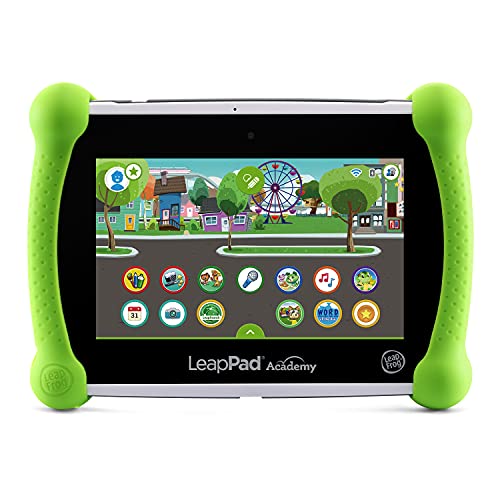
LeapFrog LeapPad Academy Kids’ Learning Tablet
Why We Love It


LeapFrog LeapPad Ultimate Ready for School Tablet
Why We Love It

LeapFrog 2 in 1 LeapTop Touch Laptop
Why We Love It

LeapFrog LeapStart Preschool Success
Why We Love It
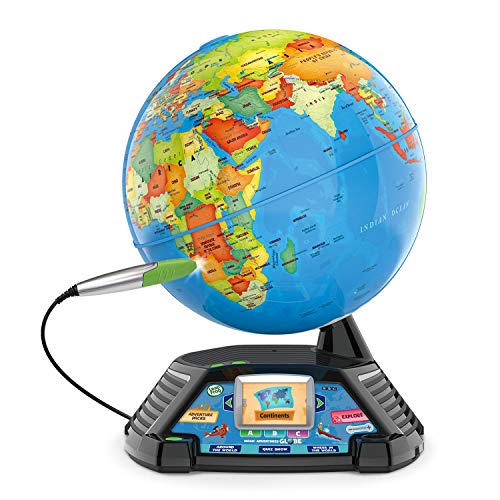
LeapFrog Magic Adventures Globe
Why We Love It
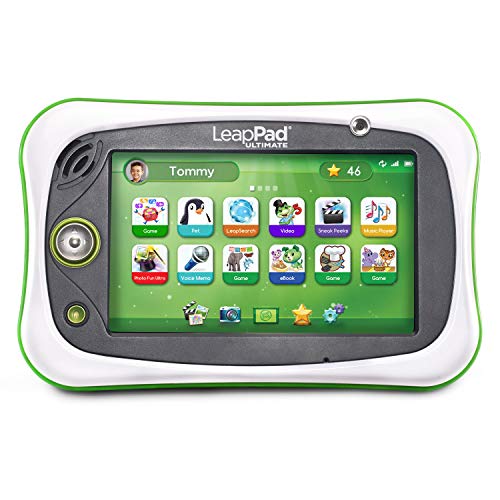
LeapFrog LeapPad Ultimate Ready for School Tablet
Why We Love It

LeapFrog Mr. Pencil's Scribble
Why We Love It

LeapFrog Learning Friends 100 Words Book
Why We Love It
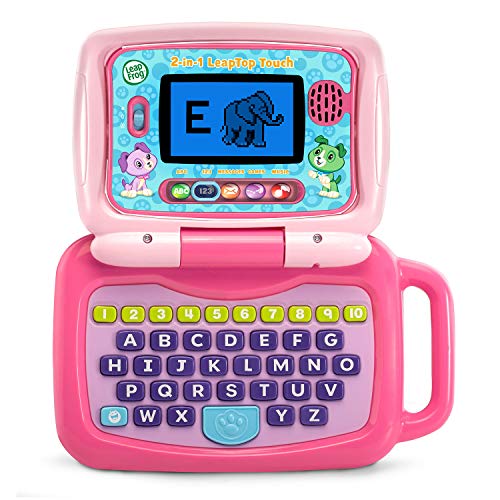
LeapFrog 80-600958 2-in-1 Leaptop Touch
Why We Love It

LeapFrog 2-in-1 Touch & Learn Tablet
Why We Love It
Quick Pick
10 Best Leapfrog Leappad Of 2026
Quick Pick
LeapFrog LeapPad Academy Kids’ Learning Tablet, Green
LeapFrog LeapPad Ultimate Ready for School Tablet, Pink
LeapFrog 2 in 1 LeapTop Touch Laptop, Green, Learning Tablet for Kids with 10 Modes of Play, with Letters, Numbers, Vocabulary and Animals, Toy for Ages 2 Years +
LeapFrog LeapStart Preschool Success, Green
LeapFrog Magic Adventures Globe – Interactive Talking Globe for Kids with Built-in Videos, Games & Facts,Encourages Geography & Cultural Discovery,Great STEM Learning Toy for Boys & Girls Aged 5–10
LeapFrog LeapPad Ultimate Ready for School Tablet, Green
LeapFrog Mr. Pencil's Scribble, Write and Read
LeapFrog Learning Friends 100 Words Book, Bilingual Baby Book with Interactive Touch and Sound, Early Learning Toy for Toddlers Aged 18+ M, Build Vocabulary with Fun Animal Friends, English Version
LeapFrog 80-600958 2-in-1 Leaptop Touch, Frustration Free Packaging, Pink
LeapFrog 2-in-1 Touch & Learn Tablet, Kids Two-Sided Tablet, Electronic Toy with Stories and Activities, Educational Play for Children Aged 2 Years +,Multicolor,22.1 x 28.5 x 33.5 cm
Buying Guide: Leapfrog Leappad
📋 Table of Contents
1What screen size is best for young children?
For kids aged 3–6, a 7–8 inch screen is ideal for small hands and close viewing, while 9–10 inches suits older children (7–12) for better readability and media consumption without eye strain.
2How important is a durable build for a learning tablet?
Very important — look for rubberised corners, a shock-absorbent frame, and a plastic or metal body rated for drops and spills. Tablets with reinforced edges and waterproof keyboards are best for active use.
3What kind of apps and content should I look for?
Choose tablets with pre-installed educational apps for reading, math, and creativity, or ones that support app stores with parental controls. Offline content options are a plus for travel or areas with limited connectivity.
4How long does the battery last on average?
Most kids' learning tablets offer 6–10 hours of use on a full charge, depending on screen brightness and app usage. Look for models with at least 8 hours to avoid frequent recharging during school or travel days.
5Are parental controls essential, and what should they include?
Yes — essential features include time limits, app restrictions, content filters, and remote monitoring. Some tablets also let you set learning goals or track progress, which helps keep kids focused and safe online.
How we choose
Our editors are people who genuinely love testing and writing about products. We compare each product's real-world usability and strengths, then distill what matters most into our own "Why We Love It" points — so you get an honest, at-a-glance sense of what counts before you buy.