10 Best 21.5 Inch Portable Monitor For Laptop Of 2026
21.5 Inch Portable Monitor For Laptop — Reviews, Recommendations & Updated Buying Guide November 2026

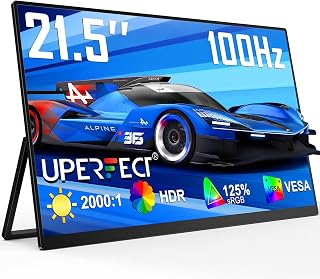
UPERFECT Portable Monitor
Why We Love It


UPERFECT 21.5” 120HZ Touchscreen Portable Monitor
Why We Love It
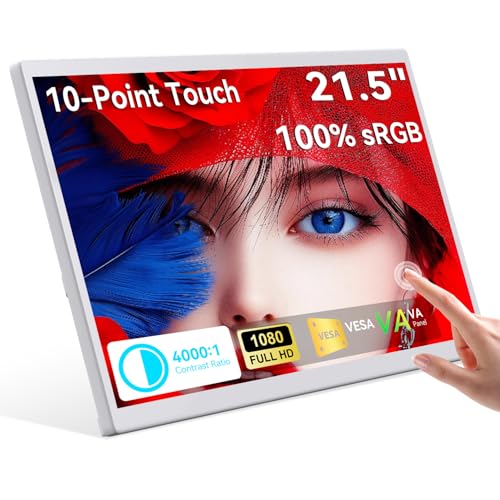
Touchscreen Monitor
Why We Love It

NEWSOUL 21.5" Touchscreen Portable Monitor
Why We Love It

Newsoul 21.5'' Large Portable Monitor for Laptop 100Hz
Why We Love It
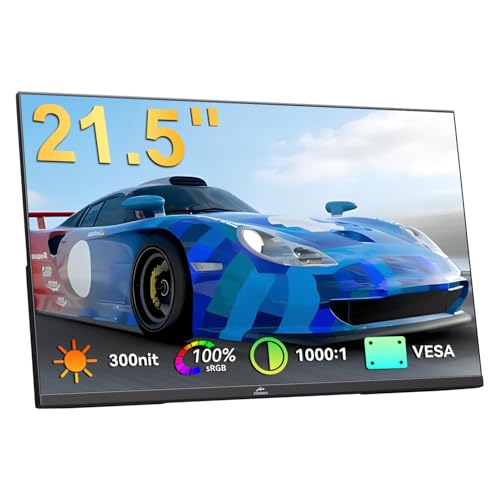
Kenowa USB-C Portable Monitor 21.5" IPS Screen FHD
Why We Love It
Quick Pick
10 Best 21.5 Inch Portable Monitor For Laptop Of 2026
Quick Pick
UPERFECT Portable Monitor, 21.5” FHD 100Hz 125% sRGB 2000:1 450Nits 0.1ms FreeSync Gaming Monitor with VESA & Stand, USB-C & HDMI, Large Second Screen for Laptop, Phone, Mini PC, Game Consoles
UPERFECT 21.5” 120HZ Touchscreen Portable Monitor w/Kickstand & VESA, Large Portable Gaming Monitor with HDMI Type C, External Display for Laptops, Steamdeck, Mac-Book, Phones, Mini PC
Touchscreen Monitor, 21.5 Inch 1080P Computer Screen with VESA Mount
NEWSOUL 21.5" Touchscreen Portable Monitor, 120Hz FHD IPS Display with Kickstand & VESA, HDR USB-C HDMI External Monitor for Laptop, PC, Mac, Gaming
Newsoul 21.5'' Large Portable Monitor for Laptop 100Hz Ultra-Fast IPS Gaming Monitor, QLED 125%sRGB | 2000:1 Contrast | Built-in Stand, Speaker and VESA, USB-C HDMI Second Screen Efficient Work Gaming
Kenowa USB-C Portable Monitor 21.5" IPS Screen FHD 1920x1080P 75HZ FreeSync Gaming Display Dual Speakers Adjustable Stand HDMI Type-C External Computer Monitor for Laptop,Windows,PC,Mac,PS4,Xbox
Buying Guide: 21.5 Inch Portable Monitor For Laptop
📋 Table of Contents
1What resolution should I look for in a 21.5 inch portable monitor for laptop?
Opt for at least 1920x1080 Full HD resolution for sharp text and video. 2560x1440 QHD offers more detail for graphic design or multitasking, but may drain your laptop’s battery faster. Higher resolution also requires a laptop with a compatible graphics output.
2Does the monitor support USB-C or HDMI connectivity?
Look for USB-C with DisplayPort Alt Mode for a single-cable connection that powers and displays your laptop. HDMI is also common but may require an adapter. USB-C is more versatile for charging and data transfer, especially with newer laptops.
3What brightness level is ideal for outdoor or low-light use?
A brightness of 300-400 nits is suitable for most indoor environments, while 500 nits or higher is better for use in bright sunlight or low-light conditions. Higher brightness may increase power consumption and reduce battery life on portable devices.
4Is a built-in battery necessary for a portable monitor?
A built-in battery allows you to use the monitor away from a power source, which is essential for travel or on-the-go work. Look for at least 4-6 hours of battery life, and consider models with fast charging for convenience during long sessions.
5What are the key differences between IPS and TN panel types?
IPS panels offer wider viewing angles and more accurate color reproduction, ideal for design or video work. TN panels have faster response times, better for gaming, but with narrower viewing angles. Choose based on your primary use case and color accuracy needs.
How we choose
Our editors are people who genuinely love testing and writing about products. We compare each product's real-world usability and strengths, then distill what matters most into our own "Why We Love It" points — so you get an honest, at-a-glance sense of what counts before you buy.